Français
Chaque jour, nous vous offrons des logiciels sous licence GRATUITS que vous devriez autrement payer!
$29.99
EXPIRÉ
Giveaway of the day — Batch Image Enhancer Professional
Facilement améliorer la qualité et l'apparence de vos images.
$29.99
EXPIRÉ
Note des utilisateurs:
35
0 commentaires
L'offre gratuite du jour pour Batch Image Enhancer Professional était valable le 3 août 2019!
Offre gratuite du jour

Control remote desktop or laptop from any device and anywhere!
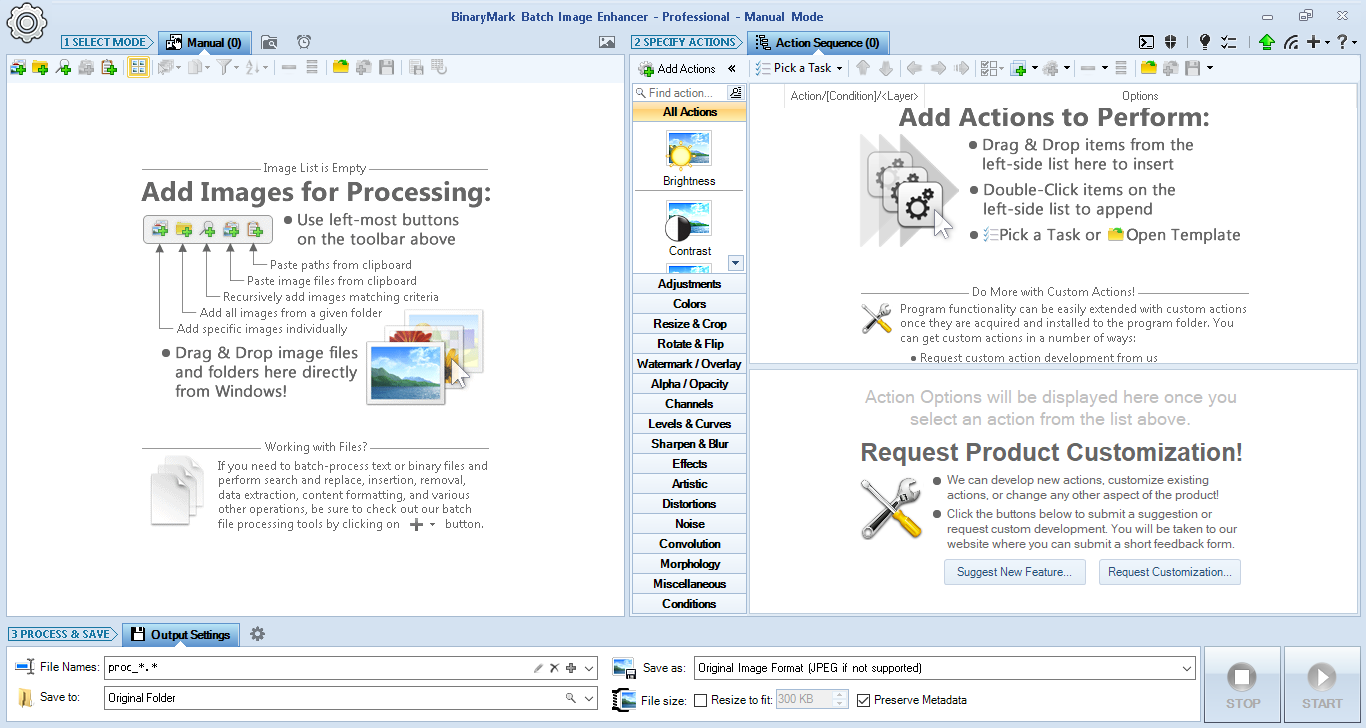
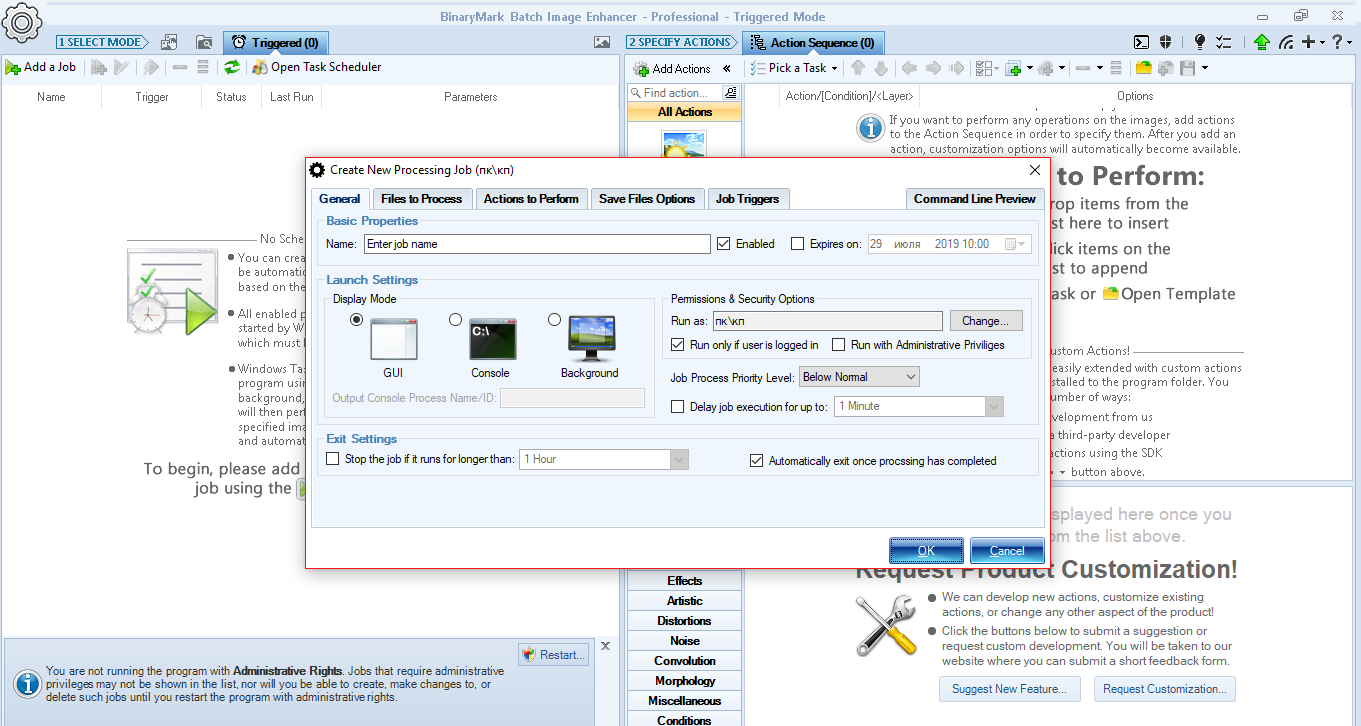
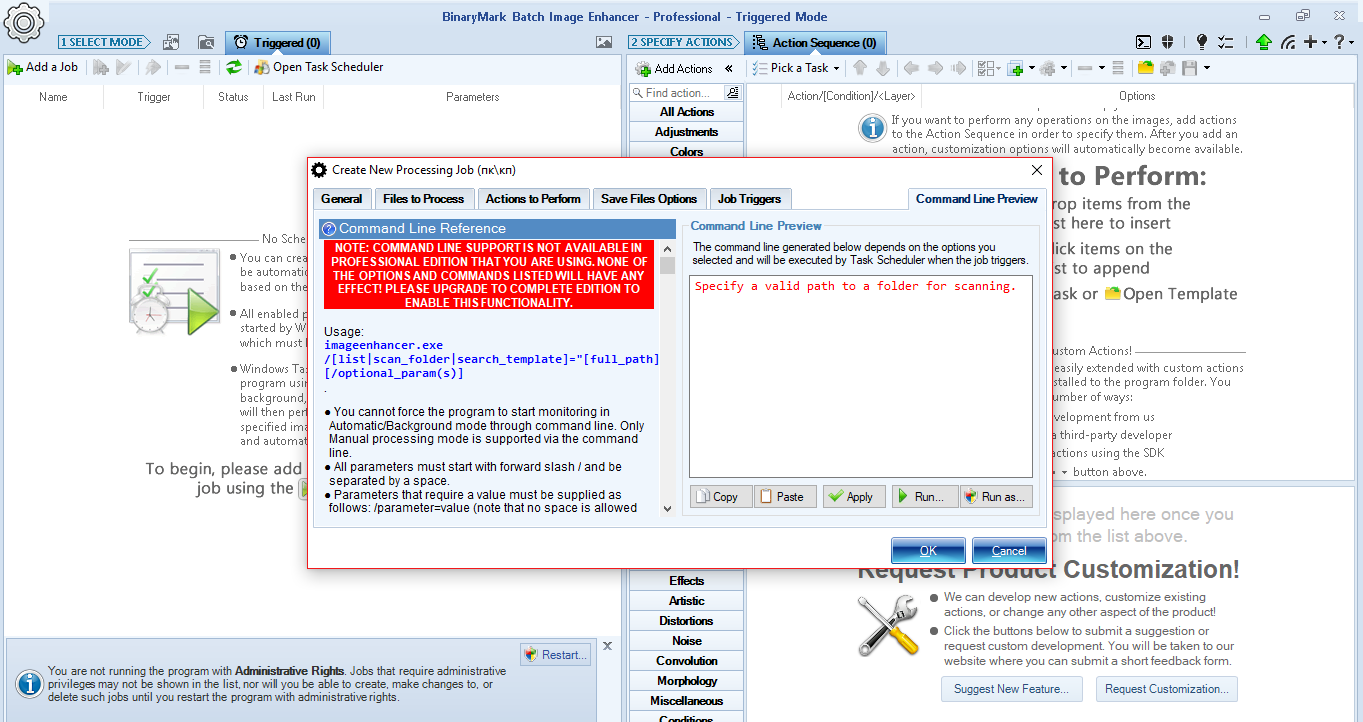
Améliorez vos photos avec des effets impressionnants!
Corrigez l'exposition, ajustez le contraste, supprimez le bruit, accentuez, etc. Ajoutez des filigranes dynamiques de texte et d'image. Travailler avec des algorithmes de reconnaissance de visage. Appliquez diverses actions, filtres et effets à vos images.
Caractéristiques:
Remarque: la licence est fournie pour 3 ans.
Configuration minimale:
Windows XP/ Vista/ 7/ 8/ 8.1/ 10
Éditeur:
BinaryMarkPage web:
http://www.binarymark.com/Products/BatchImageEnhancer/default.aspxTaille du fichier:
8.3 MB
Prix:
$29.99
GIVEAWAY download basket

Developed by PhotoInstrument

Developed by Mirillis Ltd.

Developed by Andrew Zhezherun

Developed by Poladroid.net
offres du jour pour iPhone »

$19.95 ➞ logiciel gratuit du jour

$0.99 ➞ logiciel gratuit du jour

Every Day Spirit is a collection of beautiful, original, hand-crafted wallpapers created to make your phone look amazing.
$0.99 ➞ logiciel gratuit du jour

$4.99 ➞ logiciel gratuit du jour

$1.99 ➞ logiciel gratuit du jour
offres du jour pour Android »

$0.99 ➞ logiciel gratuit du jour

$0.99 ➞ logiciel gratuit du jour

Spelling Right is a new challenging educational spelling game that will test your English spelling skills.
$2.29 ➞ logiciel gratuit du jour

$0.99 ➞ logiciel gratuit du jour

$1.49 ➞ logiciel gratuit du jour
Commentaires sur Batch Image Enhancer Professional
Please add a comment explaining the reason behind your vote.
Basically, you need to pay to upgrade to do anything useful with this software.
Save | Cancel
Every photo I have is a unique, every photo editor I have can do all of those adjustments and more.
How do you tell this photo enhancer in a batch mode to re-adjust every photo with different settings, you can not, most of the photos will be ruined if one setup applied to all of the photos.
To me it would be useless, but for someone, may be beneficial.
Save | Cancel
Gordon,
"Every photo I have is a unique ... most of the photos will be ruined if one setup applied to all of the photos."
Often people think of batch processing images as something that someone selling online would use preparing their product images, & while that is true, it's more common otherwise than many might think. Somewhat higher end apps like Lightroom or ON1 RAW etc. all let you save presets & easily apply those to many photos, whether you're going for a signature look for a series or enhancing photos from a single shoot. That doesn't mean processing has to stop there -- it might just get a lot of stuff efficiently out of the way, so that you can focus just on the individualized tweaks to make a good photo great.
Batch Image Enhancer Pro is more involved, with the ability to set conditions, action sequences etc. in a somewhat script-like format. I'm in the process of scanning thousands of old prints, focusing much more on just getting it done rather than making each one a masterpiece, and for that the more limited Photolemur works well, although I have had to process some badly faded batches separately in a more capable app. Engelmann has a couple of batch processing apps that have more features than Photolemur [though not as many as Batch Image Enhancer Pro], but getting the images through Photolemur is faster, which is why I use it. While many of the filters [actions] in Batch Image Enhancer Pro are gimmicky, it does have roughly a dozen that might work on with those faded photos, so I'm giving it a try, but I don't think it'll cause me to abandon processing RAW photos in Lightroom -> Photoshop.
Save | Cancel
I find that photos often need different degrees of enhancement so I'm not so sure that batch enhancing will give particularly good results all round.
I will give it a miss.
Save | Cancel
Does this got deblur feature?
Thank youi
Save | Cancel
TK,
"Sharpen" is not the same as "deblur" and a good image processing program will treat each differently. "Deblur" applies to the overall image the same, and "sharpen" applies to edges differently than it does to the overall image.
You can find research online to learn more. Yao Wang, Ph.D. at Polytech Institute of New York has done some indepth study of the differences.
Even though the program may list "Sharpen" as a feature, it does not mean that it also does deblur. Most users may be satisfied with a sharpen feature, but when comparing the same image with both methods applied to two different resultant images, only then will the difference be apparent enough to realize that sharpen does not solve all images.
Save | Cancel